Odoo Customer Support
Get structured assistance from Matrix Intelligence for Odoo incidents, functional questions, configuration issues and approved system changes. Our support team will review your request, assess its business impact and manage it through the appropriate resolution process.
Submit a Support Request Track My Tickets
For Matrix Intelligence customers with an active support agreement.
Submit a Support Request
Report a new functional or technical issue and provide the information required for investigation.
Track My Tickets
Review ticket status, respond to support questions and access your previous requests.
Open Customer Portal
Enhancement Requests
Contact your account manager regarding new modules, major changes, additional users or contract questions.
Contact Account ManagerSubmit a Ticket
Protect Your Information
Never include:
- Passwords or login credentials
- API keys or access tokens
- Banking or payment information
- Unnecessary personal or customer data
If secure access is required, our support team will provide an approved method.
Support Eligibility
Customer Support is available to Matrix Intelligence customers with an active support agreement.
Requests for new modules, major customizations, additional integrations or process redesign may require separate assessment and quotation.
Before You Submit
Help us investigate your request efficiently:
- Submit one issue per ticket.
- Select the affected Odoo application.
- Specify whether the issue is in production or testing.
- Explain what happened and what you expected.
- Include the steps required to reproduce the issue.
- Attach relevant screenshots or error messages.
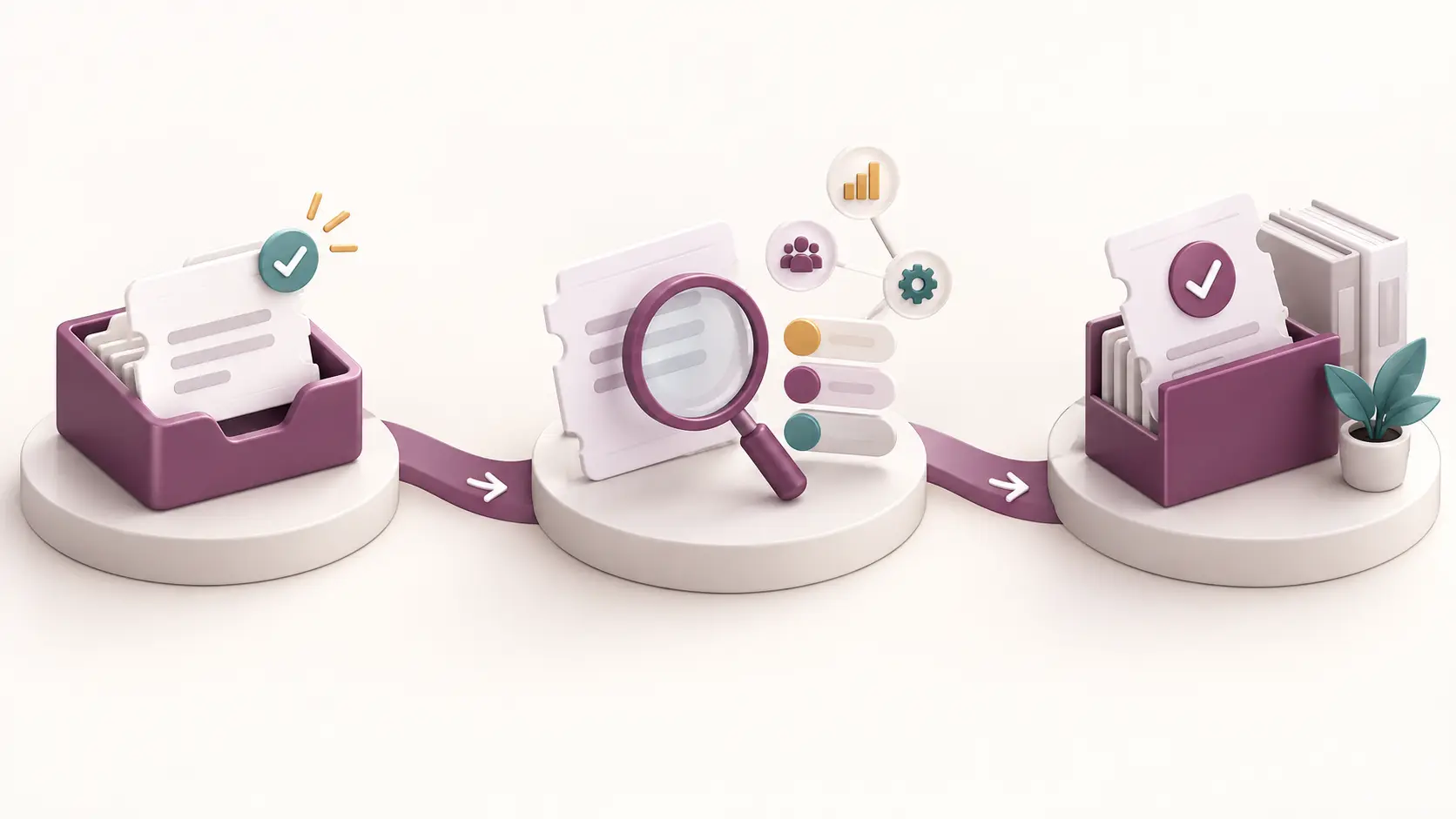
What happens next
Request Received
A support ticket and reference number are created.
Reviewed and Prioritized
The team assesses the issue and its business impact.
Resolved and Documented
Updates are provided until the resolution is confirmed.
Support May Include
- Functional assistance
- System incidents and errors
- User-access issues
- Configuration support
- Approved customization issues
- Integration troubleshooting
- Reports and dashboards
Separate Assessment May Be Required
- New module implementation
- Major process changes
- New integrations
- Data migration
- Large customization requests
- User training programs
Protect your information: Never include passwords, API keys, banking details or other confidential credentials in a support ticket. We will provide a secure method when protected access is required.
Frequently Asked Questions
Find answers to common questions about Support and how we work.
Authorized users from Matrix Intelligence customers with an active support agreement can submit requests. If you do not have a support agreement or need help with a new Odoo implementation, please book a consultation with our team.
Tickets are assessed according to their business impact, the number of affected users, whether the issue affects the Production or Testing environment, and the applicable support agreement. The final priority is assigned by the Matrix Intelligence support team after reviewing the request.
Sign in to the Customer Portal and select My Tickets to view ticket status, responses and previous support requests. You will also receive email notifications when your ticket is created or updated.
Include the affected Odoo application, environment, a clear description of the issue, the expected and actual results, steps to reproduce the problem and its business impact. Attach screenshots or error messages when helpful. Never submit passwords, API keys or other confidential credentials.
Minor adjustments may be covered when they fall within your support agreement. New modules, major customizations, process redesigns, integrations and significant enhancements normally require separate assessment, approval and quotation. Our team will review the request and advise you on the appropriate next step.
Submit a support ticket and select Critical business operation stopped as the business impact. Clearly identify the affected Production environment, users and operational process. If your support agreement includes a dedicated emergency channel, follow that procedure after creating the ticket and provide its reference number.
Need Help Choosing the Right Channel?
For existing system issues, submit a support ticket. For new implementations, demonstrations or transformation projects, book a consultation..
Submit a Ticket Book a Consultation